


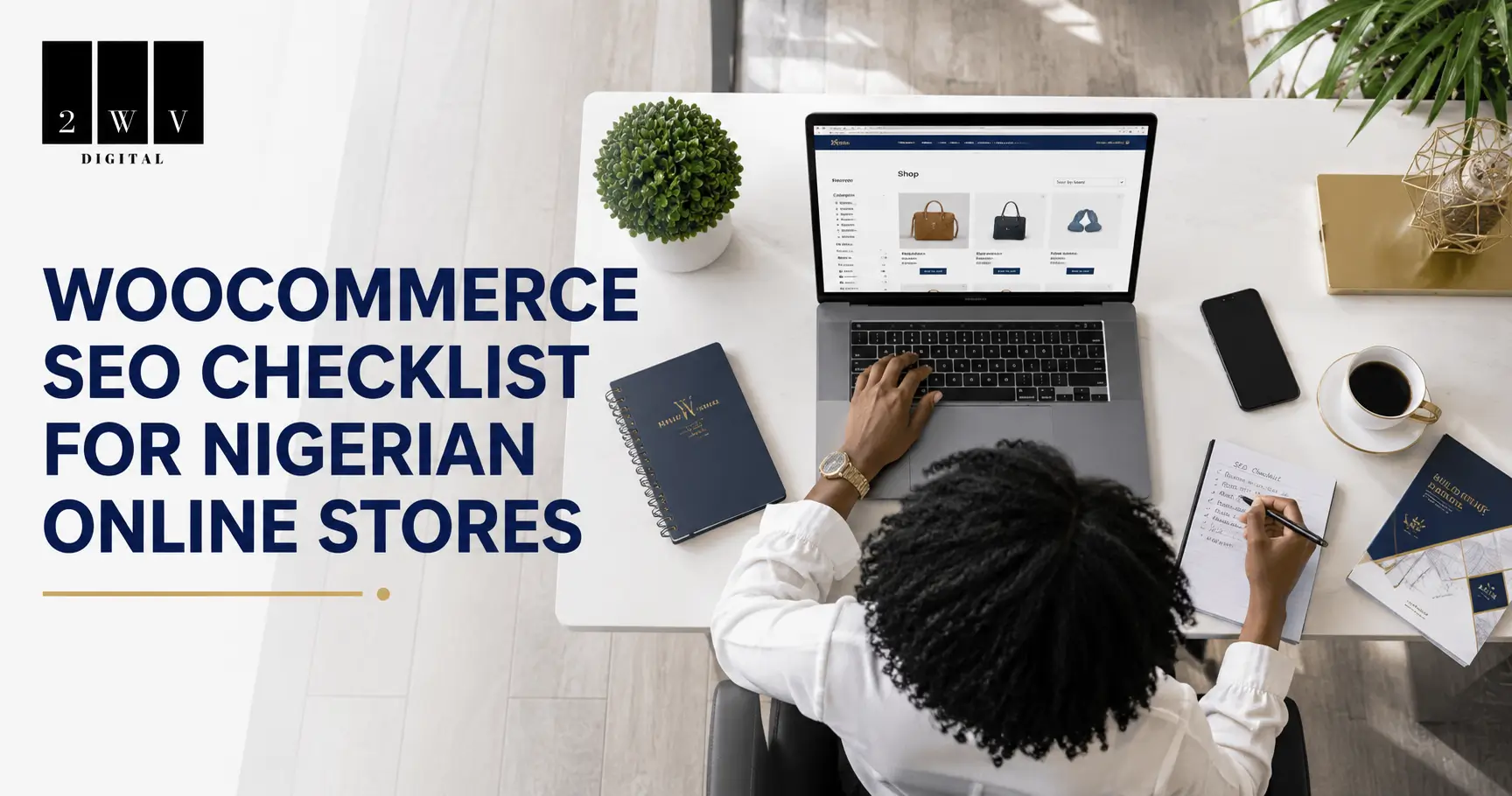
To rank a WooCommerce store on Google in Nigeria, you need hosting built for Nigerian traffic, a properly configured SEO plugin, optimized product and category pages, a site that loads fast on mobile data, and clean product schema. Most Nigerian WooCommerce stores lose ranking on the technical side long before content becomes the problem. This checklist covers all 10 steps in the order that actually matters.
At 2WV Digital, we’ve built and optimized WooCommerce stores for Nigerian businesses, and the pattern repeats every time. Someone builds a beautiful store, adds products, and waits for sales that never come, because Google never picked the store up in the first place. If that sounds familiar, work through this checklist in order. Don’t skip to product descriptions before your hosting and technical setup are solid. Google can’t rank a page it can’t crawl quickly.
1. Pick Hosting Built for Nigeria, Not Just Cheap Hosting {#hosting}
This is the step most Nigerian store owners get wrong, and it’s the one that quietly kills rankings before the store even launches. Cheap hosting from a random international provider often means your server sits in the US or Europe, which adds load time for every Nigerian visitor before your page even starts rendering.
Look at hosts built specifically for the Nigerian market: Truehost, Whogohost, and Qservers are the three most established names. Shared hosting plans from these providers typically run anywhere from around ₦1,000 to ₦3,000 a month depending on the term length, and prices drop noticeably if you commit to two or three years upfront. The catch most people miss: check the renewal price, not just the first-year promo price. Some hosts advertise a low intro rate that jumps significantly on renewal.
What actually matters for SEO, beyond the price tag:
- SSD storage, not the older HDD storage some budget plans still quietly use
- A caching layer like LiteSpeed Cache, since this affects your Core Web Vitals directly
- Free SSL included, not an upsell
- Support you can reach on WhatsApp or live chat when something breaks at 11pm
At 2WV Digital, we run client stores on Truehost with LiteSpeed Cache properly configured, and it’s consistently the single biggest lever for getting a WooCommerce store to load fast for someone browsing on MTN or Airtel data rather than fiber.
2. Set Up WordPress and Permalinks Correctly {#wordpress}
Once hosting is sorted, install WordPress and fix two things immediately, before you add a single product:
- Permalinks: Go to Settings → Permalinks and choose “Post name.” Never leave WooCommerce on the default query-string URLs like
?p=123. Clean URLs like/product/product-name/are easier for Google to understand and easier for you to share. - SSL: Confirm your site loads on
https://, nothttp://. Most Nigerian hosts include this free now, but WooCommerce stores handling checkout absolutely need it. Google also treats it as a ranking signal.
3. Configure WooCommerce for Nigerian Shoppers First {#woocommerce-setup}
Before touching a single product page, get your store settings right for the market you’re actually selling to:
- Set your currency to Naira under WooCommerce → Settings → General
- Connect Paystack or Flutterwave, not just PayPal or Stripe. Most Nigerian buyers don’t have a card that works smoothly with international-only gateways, and a checkout that fails at the payment step hurts conversions and, indirectly, your engagement signals to Google
- Set up shipping zones by state instead of one flat national rate, since delivery cost and time vary a lot between Lagos and, say, Cross River
This step doesn’t directly move your ranking, but a store that converts poorly tends to get abandoned before it ever earns the content updates and backlinks that do move rankings.
4. Install and Configure an SEO Plugin {#seo-plugin}
For most Nigerian store owners working with a tight budget, Rank Math is the better starting point over Yoast. Its free tier includes more schema types (including WooCommerce product schema) than Yoast’s free version, which matters when you’re not yet ready to pay for a premium plugin in dollars.
Run the setup wizard and make sure of three things:
- Google Search Console is connected
- The plugin is set to “Online Store” mode so it applies WooCommerce-specific schema automatically
- Your SEO title and meta description templates for product and category pages are filled in, not left as the plugin’s generic default
5. Optimize Every Product Page Like It’s a Landing Page {#product-pages}
Your product pages are the pages that actually make you money, so treat each one as its own landing page:
- Title: Include the product name and a specific detail that matches how people search. “HP Laptop 15s in Nigeria” beats a generic manufacturer title copied from the supplier.
- Meta description: Mention the price range, one clear benefit, and a call to action. Something like: “Shop the HP Laptop 15s in Nigeria. Fast delivery nationwide, pay on Paystack. Order now.”
- Description: Write at least 300 unique words. Never paste the manufacturer’s copy directly, since dozens of other stores selling the same product are doing exactly that, and Google treats it as duplicate content.
- Images: Add descriptive alt text like “HP Laptop 15s silver 8GB RAM” instead of leaving it blank or using the default filename.
Recommended for you: WooCommerce Vs Shopify in Nigeria comparison Guide
6. Build Category Pages That Target Keywords {#category-pages}
Category pages are the most underused SEO asset in most WooCommerce stores. A category page like “/laptops/” can rank for a broader, higher-volume term like “buy laptops in Nigeria,” something no single product page can compete for on its own.
Add a short paragraph of unique text above or below the product grid on each category page, targeting that broader keyword naturally. Keep category descriptions distinct from each other. If your “Laptops” and “Computers” categories read almost the same, Google struggles to know which one to rank for a given search, and neither wins.
7. Fix Page Speed for Nigerian Mobile Networks First {#page-speed}
Most of your traffic is browsing on mobile data, not fiber, so mobile speed is what actually matters, not your desktop score. Three things move the needle the most:
- Compress every product image before upload. A single uncompressed hero image can add seconds to load time on a slow connection.
- Turn on LiteSpeed Cache if your host supports it, or WP Rocket if it doesn’t. This alone often cuts load time more than any other single change.
- Watch what your page builder adds. Elementor pages especially tend to load extra CSS and JS for animations and sliders you may not even be using. Disable what you don’t need.
Test with Google’s PageSpeed Insights and check the mobile score specifically. A store that scores well on desktop but poorly on mobile is still going to struggle, since Google indexes and ranks based on the mobile version of your site.
8. Pass Core Web Vitals, Not Just “Feel Fast” {#core-web-vitals}
Core Web Vitals are the three specific metrics Google uses to judge real user experience:
- LCP (Largest Contentful Paint): How fast your main content, usually a hero image or heading, appears. Aim under 2.5 seconds.
- CLS (Cumulative Layout Shift): Whether elements jump around as the page loads. Common cause on WooCommerce stores: images without set dimensions, which push content down once they finally load.
- INP (Interaction to Next Paint): How quickly the page responds once someone taps a button or adds to cart.
The most common Elementor-specific fix: set explicit width and height on your images so the browser reserves the space before the image loads, instead of the layout jumping once it does.
9. Add Product and Review Schema So Google Can See Your Ratings {#schema}
Schema markup is what turns a plain blue link into a rich result with star ratings, price, and stock status showing directly in the search result. This is one of the most skipped steps for Nigerian store owners who set up WooCommerce quickly and never touch it, and it’s a real missed opportunity for click-through rate.
If you’re using Rank Math in “Online Store” mode, product schema is applied automatically. Enable review schema too, and actually ask your customers for reviews after delivery. Products with star ratings visible in search results consistently pull more clicks than identical listings without them.
10. Optimize Images the Right Way {#images}
Images are usually the heaviest part of any WooCommerce page, and also one of the easiest wins:
- Compress before uploading using a tool like TinyPNG, not after
- Use WebP format where your theme supports it, since it’s noticeably smaller than JPEG at the same quality
- Name files descriptively before upload:
hp-laptop-15s-silver.webp, notIMG_4521.jpg - Turn on lazy loading so images below the fold don’t slow down the initial page load
Frequently Asked Questions
How long does it take to rank a WooCommerce store in Nigeria? Realistically, 60 to 90 days for a new store with no existing authority, assuming the technical basics in this checklist are handled from day one. Anyone promising first-page rankings in a week is either talking about paid ads or not being straight with you.
Is Rank Math or Yoast better for WooCommerce SEO in Nigeria? Rank Math, for most stores just starting out. Its free version includes WooCommerce product schema and more built-in schema types than Yoast’s free tier, which matters if you’re not ready to pay for a premium plugin yet.
Does my hosting really affect my Google ranking? Yes, indirectly but significantly. Slow hosting drags down your Core Web Vitals, and Core Web Vitals are a confirmed Google ranking factor. A store on well-configured Nigerian hosting with caching enabled will consistently outperform the same store on slow, distant, uncached hosting.
Do I need SSL for a WooCommerce store in Nigeria? Yes, without exception. Beyond the ranking signal, an unsecured checkout page will show browser warnings that scare off buyers before they enter card details. Most Nigerian hosts now include free SSL by default.
Can I rank without paying for ads? Yes, but it takes longer and requires consistency. Ads can get you visibility while your organic SEO builds up in the background. They’re not a replacement for the technical and content work in this checklist, they just buy you time while it compounds.
Want This Done for You?
If working through all 10 steps sounds like a lot on top of actually running your business, that’s exactly what we handle at 2WV Digital. We set up and optimize WooCommerce stores for Nigerian eCommerce businesses from hosting to schema to product page copy that’s built to rank. See our comparison of the best eCommerce platforms in Nigeria if you haven’t settled on WooCommerce yet, or compare Bumpa vs WooCommerce if you’re deciding between the two. Otherwise, let’s chat on WhatsApp and get your store found on Google.
Test your website regularly using tools like Google PageSpeed Insights to identify areas for improvement.
Rich snippets make your listings more attractive in search results and can improve your click-through rate
Recommended for you: Bumpa vs WooCommerce – Choosing the best ECommerce Platform in Nigeria

I’ve noticed that enabling LiteSpeed Cache on a Truehost server really cuts load time for mobile users on MTN data – have you measured the exact LCP improvement?
Yes, truehost uses Lightspeed Cache to speed up websites on their platform.